WordPress Widget (Legacy)
Overview
WordPress / BuddyPress
Before getting started
Go through the overview to set up Chat Widget from the CometChat Dashboard.
Installation
- Download the CometChat Pro plugin.
- In WordPress Admin, go to Plugins → Add New.
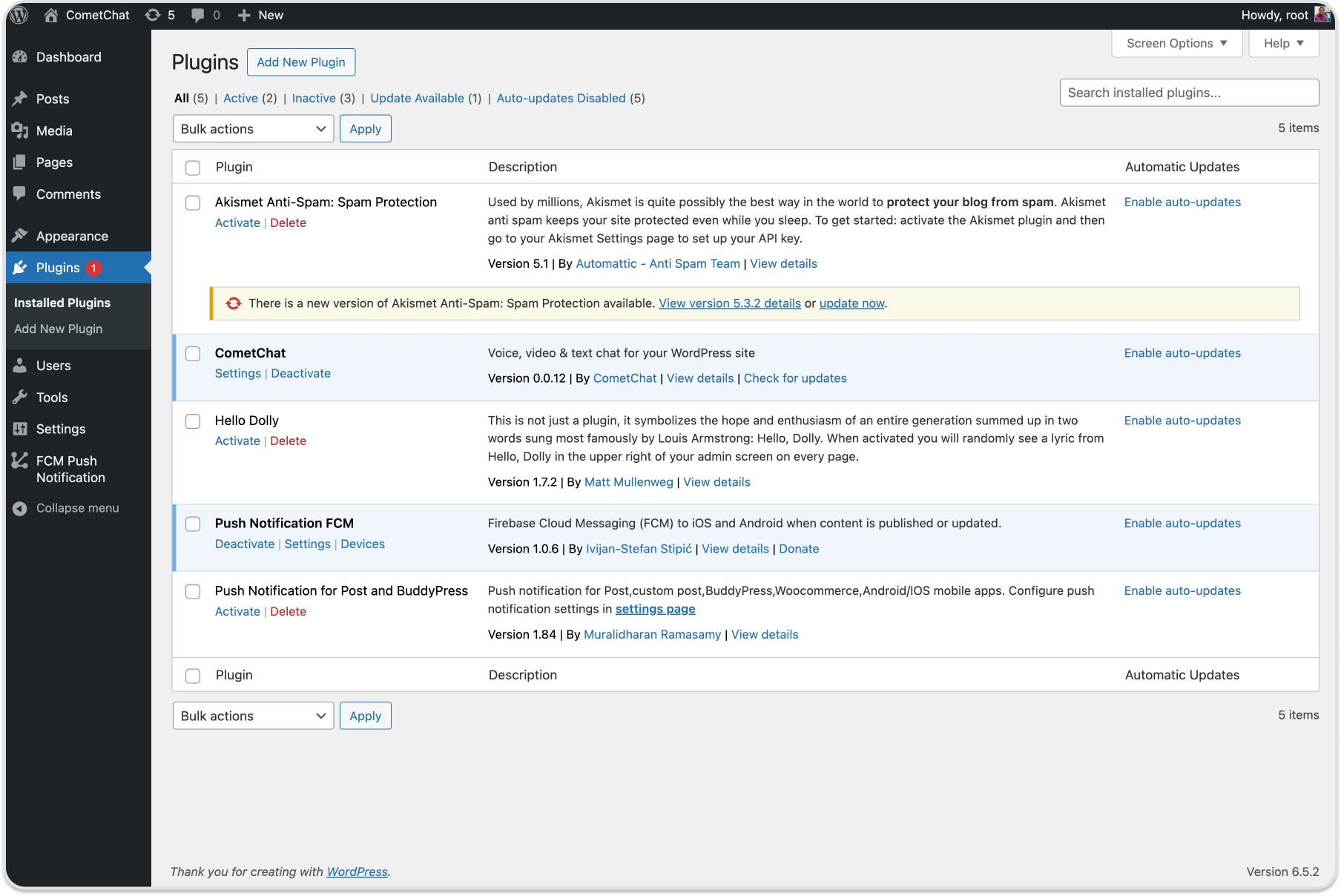
- Click Upload Plugin, choose the zip, then click Install Now.
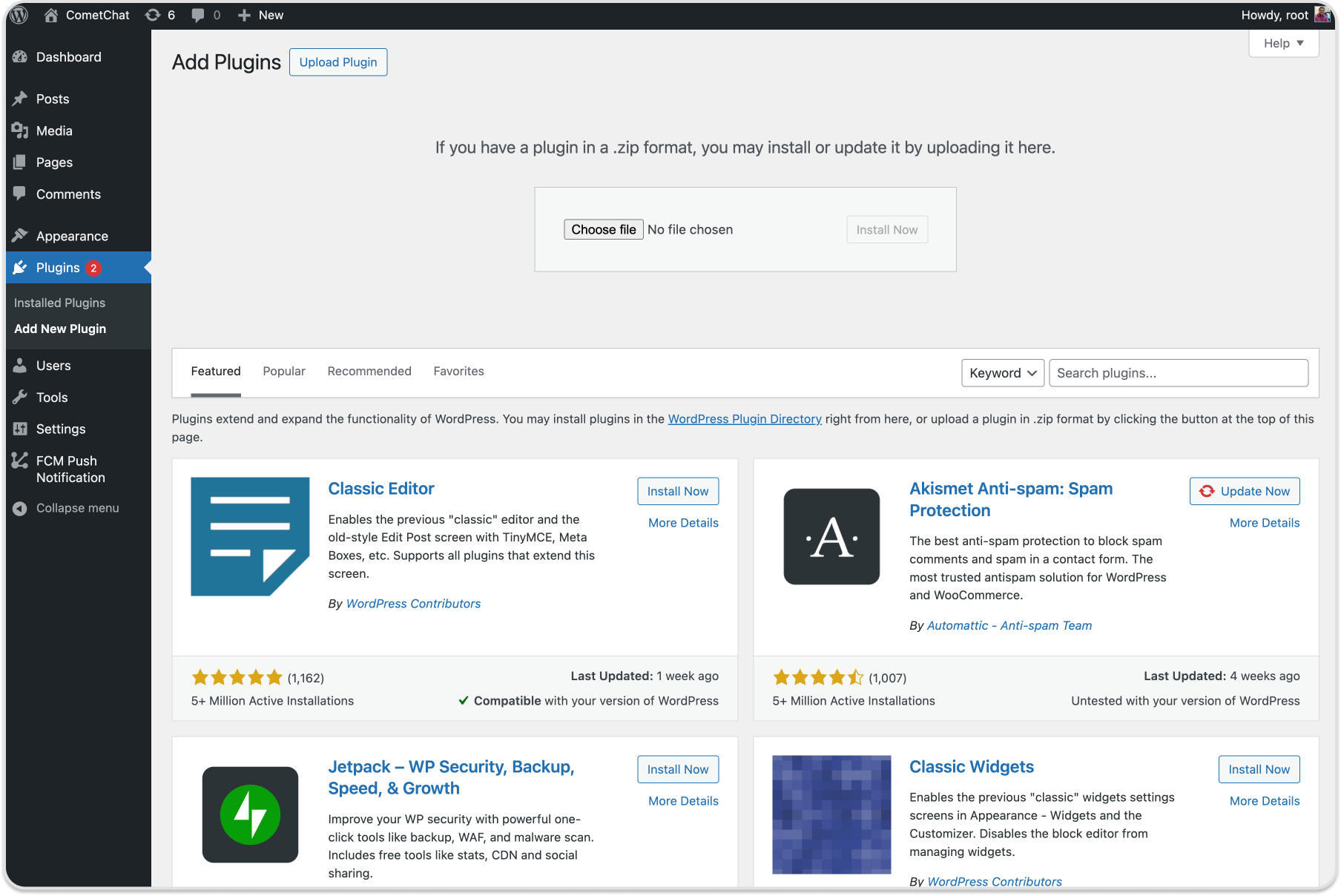
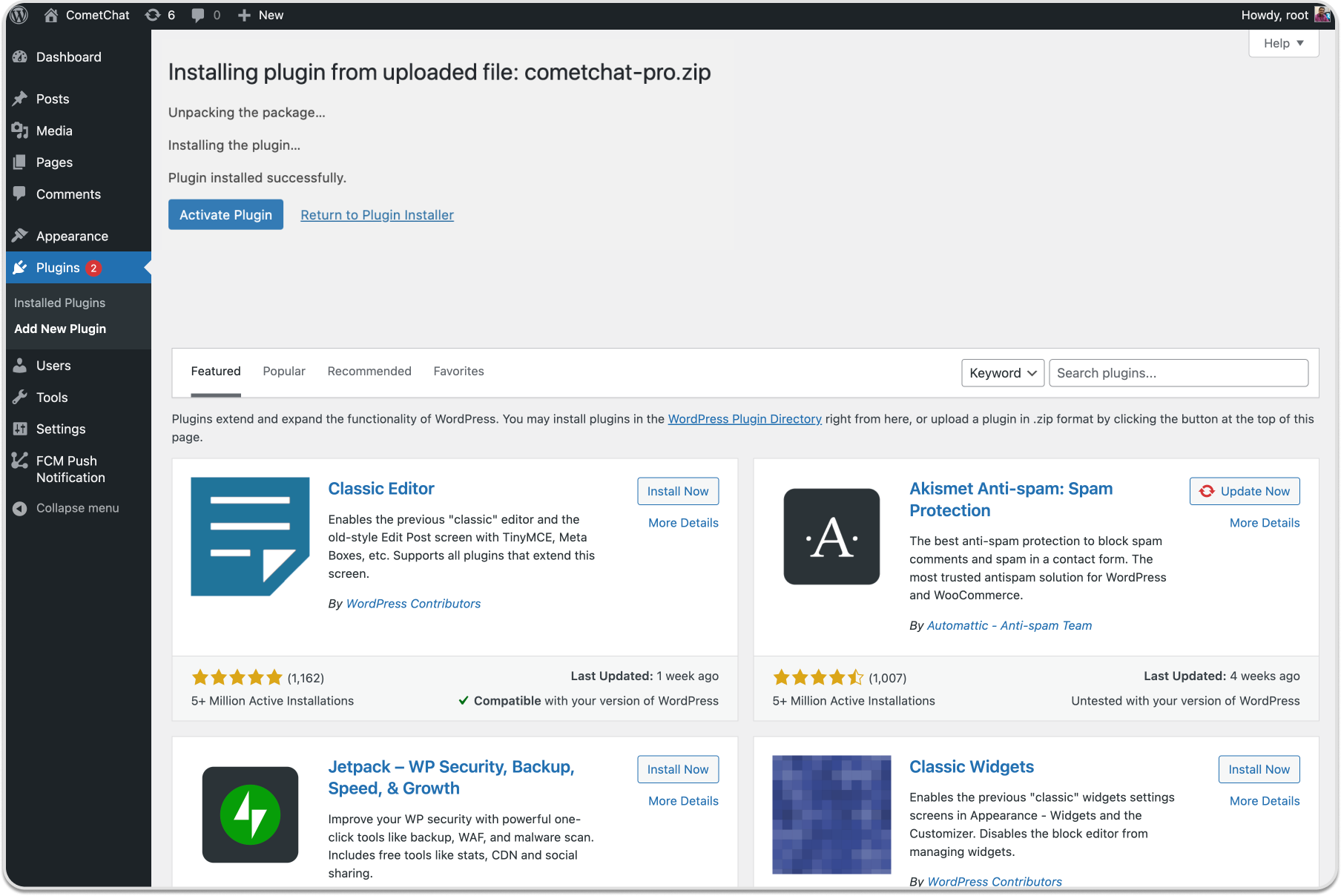
- After upload completes, click Activate Plugin.
Configuration
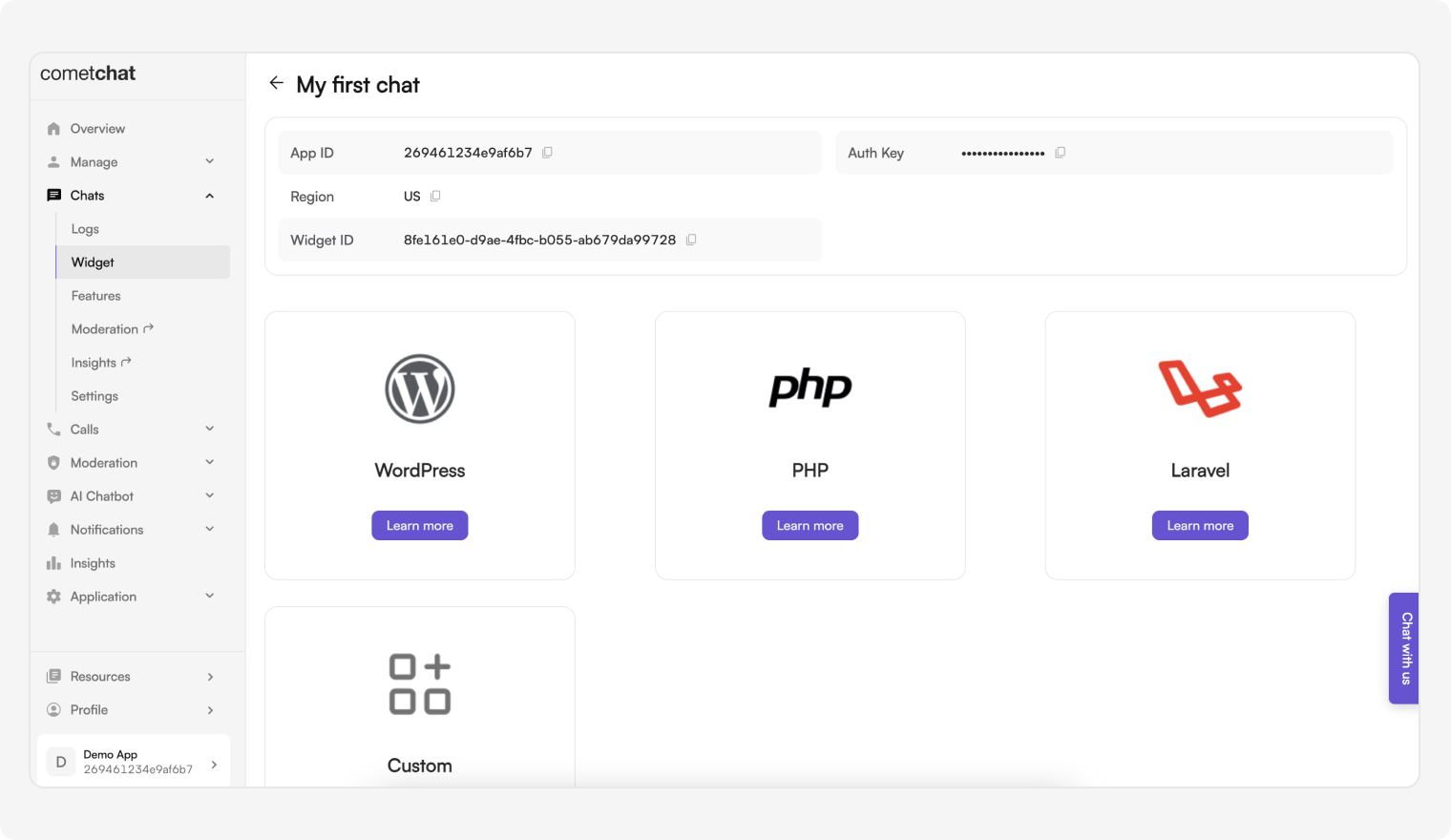
- Get App ID, Region, REST API Key, and Auth Key from CometChat Dashboard → Chats → Widget.
-
In WordPress go to Settings → CometChat Pro, then set:
-
App ID RegionREST API KeyAuth Key
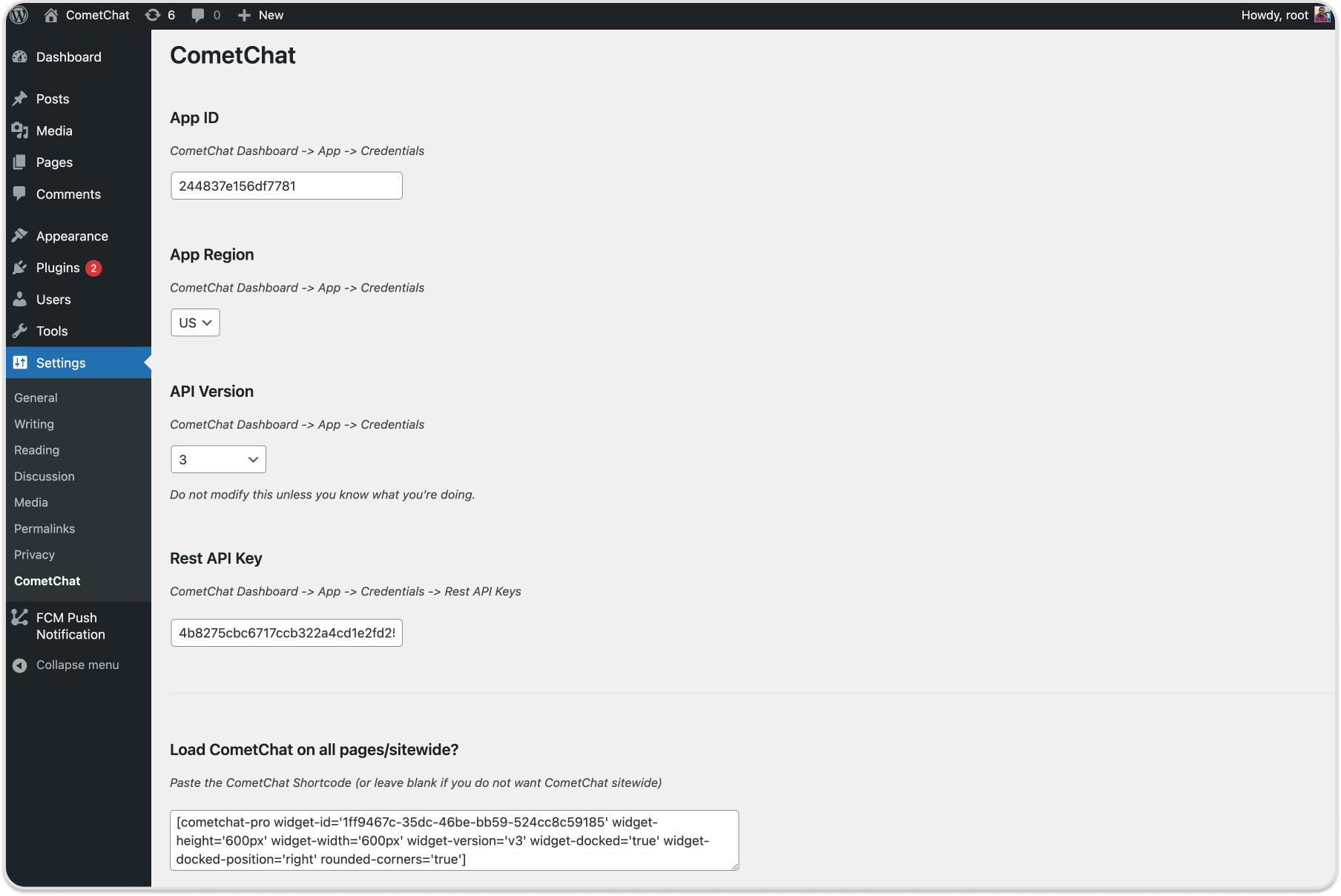
- Click Update Settings. The logged-in WordPress user will be registered in CometChat.
- Choose layout:
- Embedded Layout
- Docked Layout
Embedded Layout
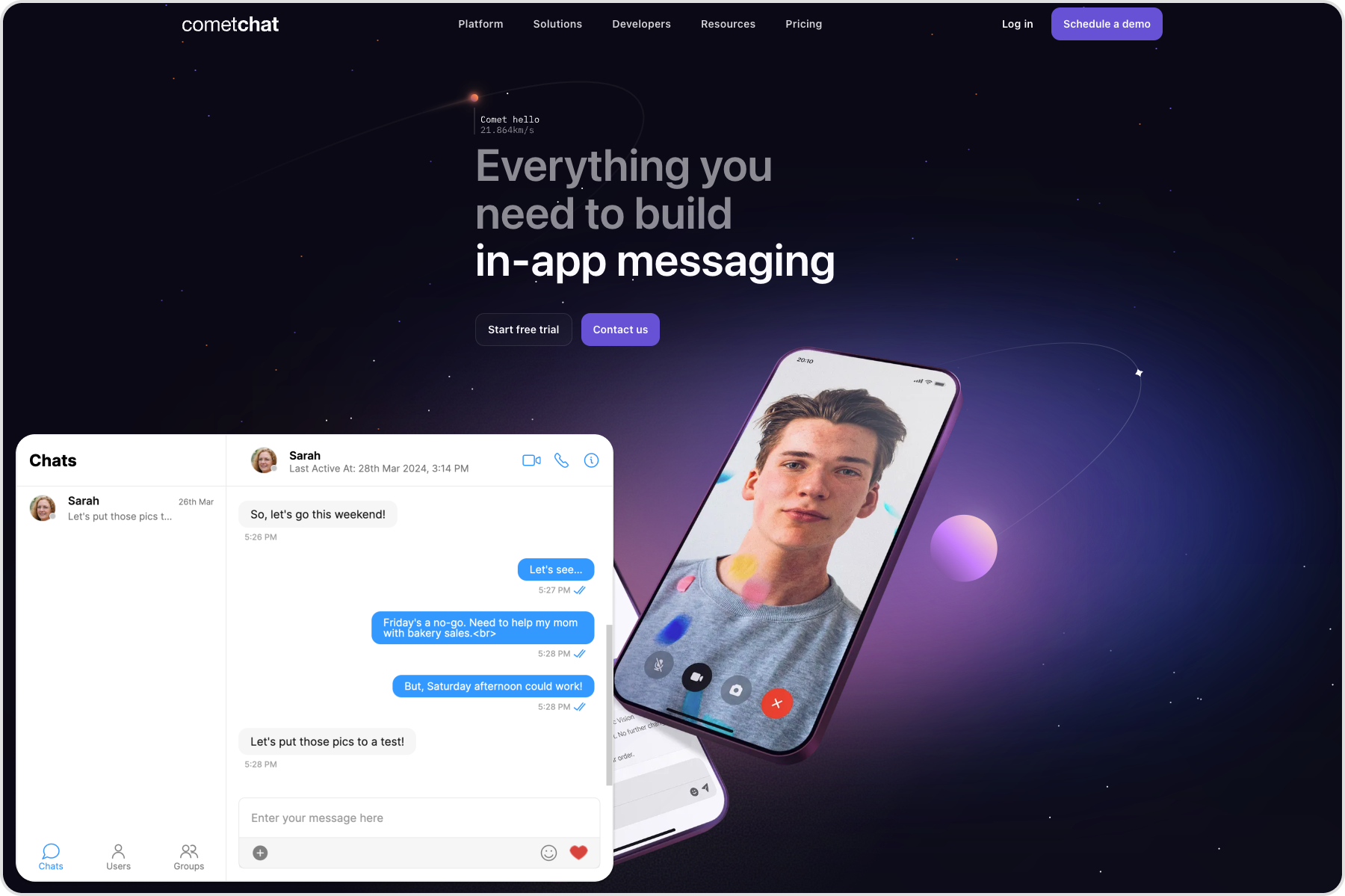
Use the shortcode to load the Chat Widget in embedded layout. Configure keys as needed.
Replace WIDGET_ID with your Widget ID.
[cometchat-pro widget-id='WIDGET_ID' widget-height='600px' widget-width='600px' widget-version='v3']
Configurable keys:
| Keys | Description |
|---|---|
| widget-id | ID of the widget from the CometChat dashboard |
| widget-width | Width of the widget |
| widget-height | Height of the widget |
| widget-version | Version of the Chat Widget |
Optional parameters:
| Keys (optional) | Description |
|---|---|
| default-username | Default user to start a conversation with |
| default-id | UID (user) or GUID (group) to show by default |
| default-type | user or group depending on default-id |
| rounded-corners | Boolean to enable/disable rounded corners |
Docked Layout
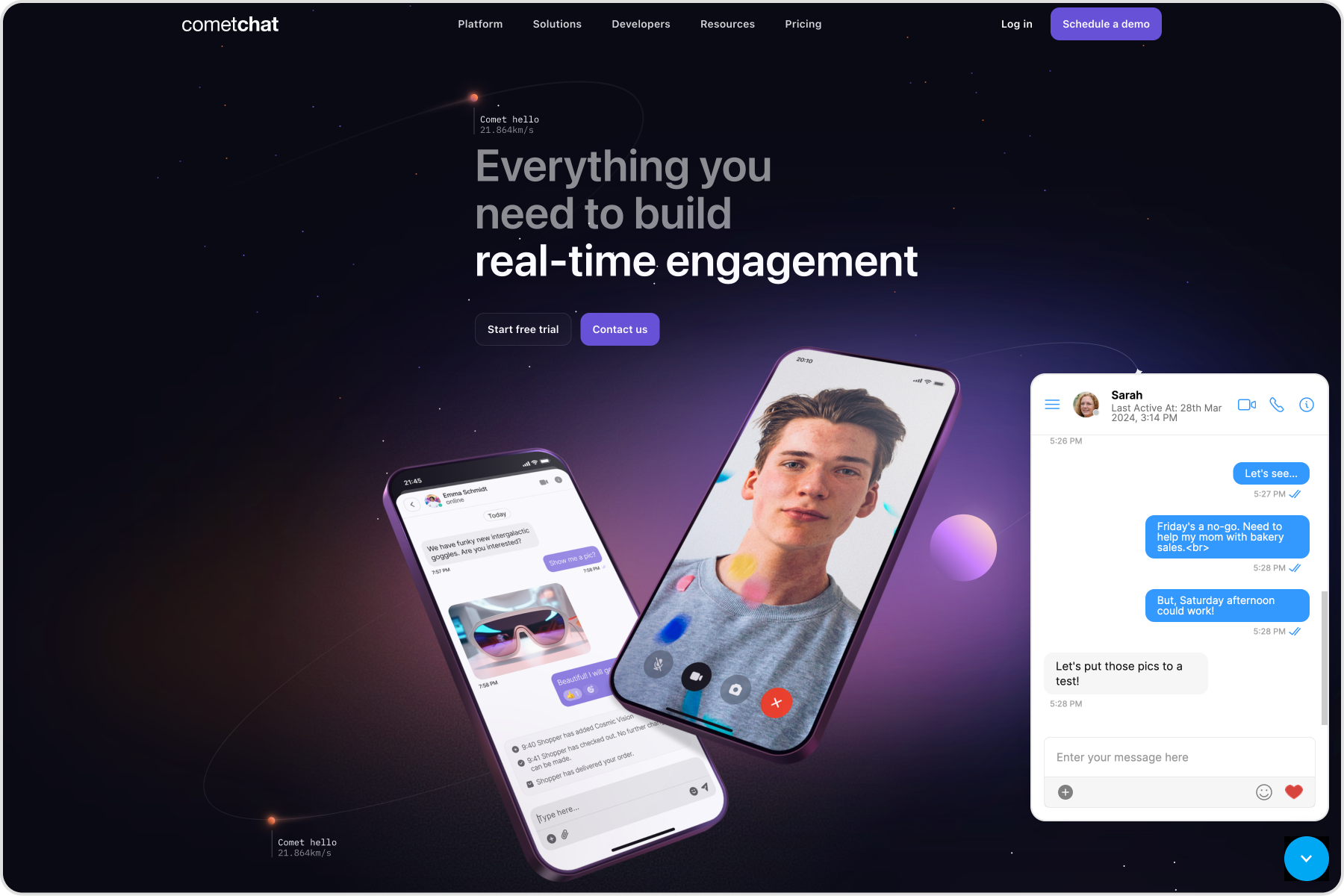
Use the shortcode to load the Chat Widget in docked layout.
Replace WIDGET_ID with your Widget ID.
[cometchat-pro widget-id='WIDGET_ID' widget-height='600px' widget-width='600px' widget-version='v3' widget-docked='true' widget-docked-position='right' rounded-corners='true']
Configurable keys:
| Keys | Description |
|---|---|
| widget-id | ID of the widget from the CometChat dashboard |
| widget-width | Width of the widget |
| widget-height | Height of the widget |
| widget-version | Version of the Chat Widget |
| widget-docked | Boolean to show/hide docked layout |
| widget-docked-position | left or right alignment |
Optional parameters are the same as embedded layout (default-username, default-id, default-type, rounded-corners).
Show docked layout on all pages
- Go to Settings → CometChat Pro in WordPress.
- Paste the docked shortcode under Load CometChat Pro on all pages/sitewide? to show it everywhere.
Advanced Features
Open or close chat window
CometChatWidget.openOrCloseChat(FLAG); // true or false
| Parameter | Description | Type |
|---|---|---|
| FLAG | true opens the chat window, false closes it. |
Required |
Chat with a particular user
CometChatWidget.chatWithUser(UID);
| Parameter | Description | Type |
|---|---|---|
| UID | ID of the user to chat with | Required |
Chat with a particular group
CometChatWidget.chatWithGroup(GUID);
| Parameter | Description | Type |
|---|---|---|
| GUID | ID of the group to chat with | Required |
Initiate calls with a particular user
CometChatWidget.callUser(UID);
| Parameter | Description | Type |
|---|---|---|
| UID | ID of the user to initiate a call with | Required |
Initiate calls with a particular group
CometChatWidget.callGroup(GUID);
| Parameter | Description | Type |
|---|---|---|
| GUID | ID of the group to initiate a call with | Required |
Message Listener
CometChatWidget.on("onMessageReceived", (args) => {
  console.log("CometChatWidget onMessageReceived", args);
});
Chat open state listener
CometChatWidget.launch({
  // Embedded or Docked layout configuration
}).then(() => {
  CometChatWidget.on("openChat", (args) => {
    console.log("CometChatWidget Chat is open", args);
  });
});
Chat closed state listener
CometChatWidget.launch({
  // Embedded or Docked layout configuration
}).then(() => {
  CometChatWidget.on("closeChat", (args) => {
    console.log("CometChatWidget Chat is closed", args);
  });
});
Localization
CometChatWidget.localize(LANGUAGE_CODE);
Supported languages include: en, zh, es, hi, ru, ar, pt, ms, fr, de, sv, lt, hu.
| Parameter | Description | Type |
|---|---|---|
| LANGUAGE_CODE | Language code to localize widget text | Required |